
Miris Player
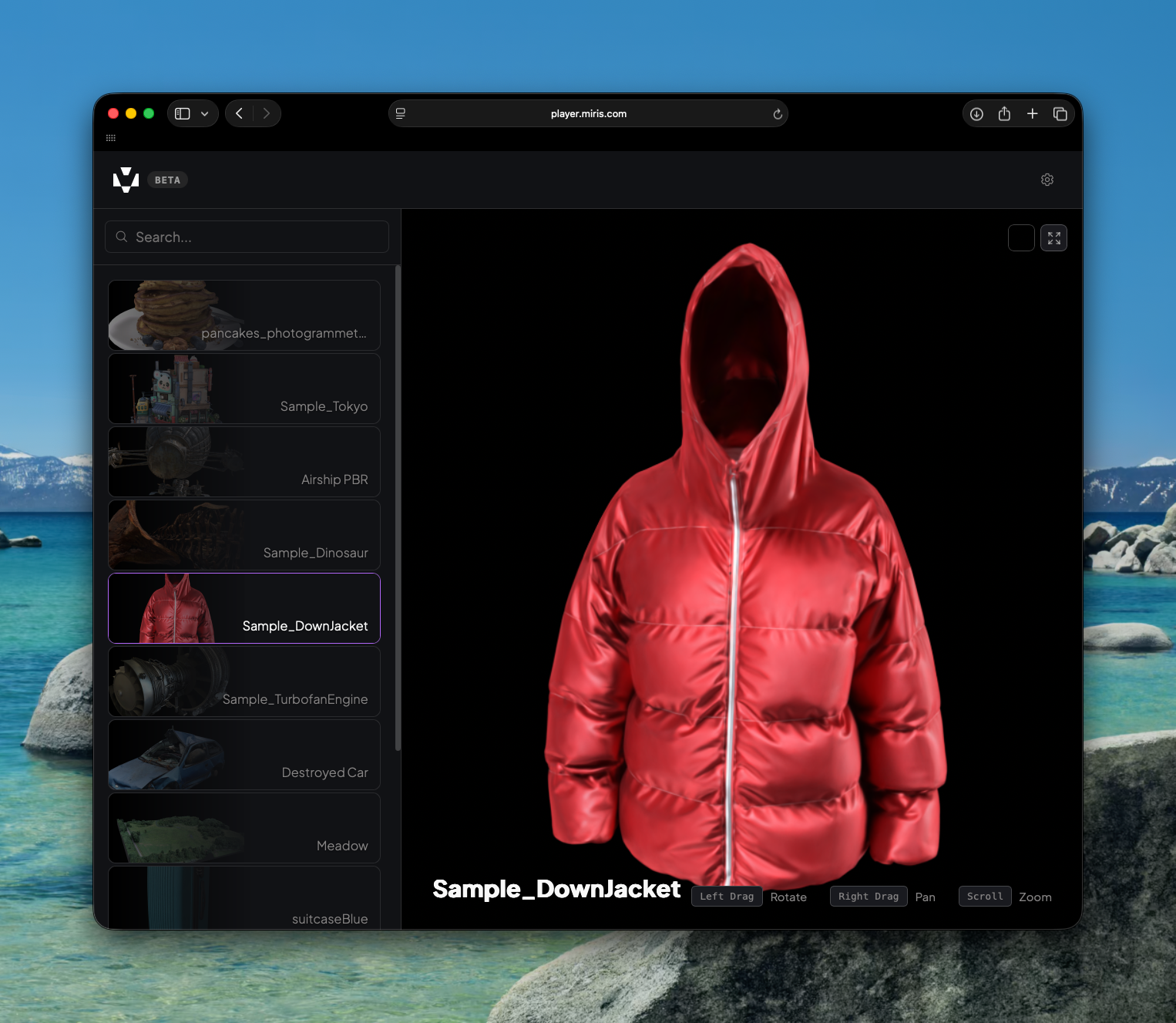
The Miris Player at player.miris.com lets you browse and view your streamable 3D assets directly in the browser — no installation required.
Browsing Assets
Navigating to player.miris.com shows a library of sample assets. To view your own assets, append your Viewer Key to the URL:
https://player.miris.com?key=<your-viewer-key>
Assets scoped to that Viewer Key will appear in the left panel. Select any asset to load it in the viewer.
Navigation Controls
Action | Control |
|---|---|
Orbit | Left mouse + drag |
Translate | Right mouse + drag |
Zoom | Scroll |
Settings
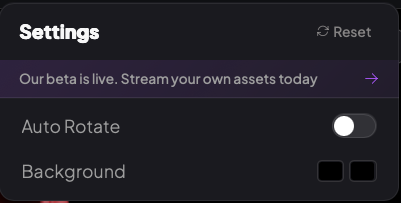
Click the Settings icon in the top-right corner to access display options, including Auto Rotate and Background color.
Updated on: 21/04/2026
Thank you!