
Locating an Asset
Find your assets using the Miris Portal.
Search and Filter Assets
From the Assets page, use the Search Assets bar to find assets by name or tag.
Use the status filter buttons below the search bar to filter by asset status — All, Streamable, Preview, Processing Preview, Processing Streamable, or Error.

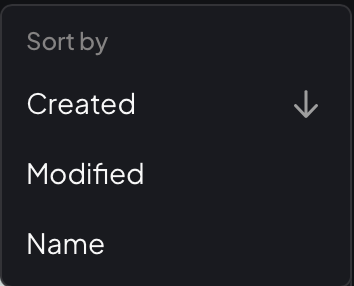
Click Sort in the top-right corner to sort results by Created, Modified, or Name.
Updated on: 21/04/2026
Thank you!